
 By
By 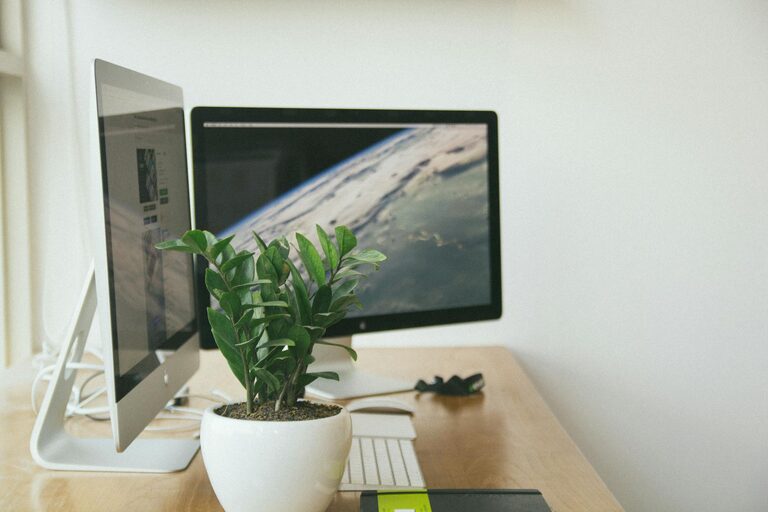
Working from home has become increasingly common, making a well-designed home office essential for productivity and comfort. Creating a dedicated, organized workspace can help you stay focused and motivated throughout the day. Here are some simple yet effective tips to help you set up a productive home office space.
Choose the Right Location
Find a Quiet Spot
Select a space in your home that is quiet and free from distractions. Ideally, this would be a separate room or a corner away from high-traffic areas like the kitchen or living room. A quiet spot helps reduce interruptions and boosts concentration.
Consider Natural Light
Position your desk near a window to take advantage of natural light. Natural light improves mood and energy levels, which can enhance your productivity. If this isn’t possible, invest in good quality lighting that mimics daylight.
Invest in Comfortable Furniture
Ergonomic Chair
Choose an ergonomic chair that supports your back and promotes good posture. Comfort is key since you might spend several hours seated. Adjustable features can help tailor the chair to your needs.
Functional Desk
Pick a desk that suits the type of work you do. It should be spacious enough for your computer, documents, and any other tools you need. If space is limited, consider a compact desk with storage options.
Organize Your Workspace
Declutter Regularly
Keep your desk clutter-free by removing items that aren’t essential. A tidy space reduces stress and distractions, making it easier to focus.
Use Storage Solutions
Use shelves, drawers, or filing cabinets to store supplies and documents. Label containers and folders for easy access. This helps keep everything organized and within reach.
Set Up Technology Efficiently
Reliable Internet Connection
Ensure your workspace has a strong and reliable internet connection. A steady connection is critical for video calls, uploads, and accessing online resources without interruption.
Cable Management
Manage cables using clips, sleeves, or ties to keep cords untangled and out of the way. Organized cables improve safety and make your desk look cleaner.
Personalize Your Space
Add Personal Touches
Include elements that inspire you, such as artwork, plants, or motivational quotes. These touches can create a pleasant environment and help you feel more comfortable.
Maintain Professionalism
While personalization is welcome, keep your workspace professional, especially if you participate in video meetings. Avoid overly distracting decorations.
Establish a Routine
Set Work Hours
Define clear working hours and stick to them. This helps separate work from personal time and maintains a healthy work-life balance.
Take Regular Breaks
Incorporate short breaks to rest your eyes and stretch. Moving around periodically can improve focus and reduce fatigue.
Manage Noise and Distractions
Use Noise-Canceling Tools
If you cannot avoid noisy environments, consider noise-canceling headphones or white noise machines to block out distractions.
Set Boundaries
Communicate with family or roommates about your work schedule. Setting boundaries helps minimize interruptions during important work periods.
Keep Necessary Supplies Handy
Stock Basic Office Supplies
Keep essentials like pens, notebooks, chargers, and printer paper within easy reach. This saves time and reduces the need to leave your workspace frequently.
Use a Planner or Digital App
Organize tasks and deadlines with a planner or productivity app. Effective planning supports time management and keeps you on track.
Maintain Good Lighting and Air Quality
Supplement Lighting if Needed
Use adjustable desk lamps to provide additional light for specific tasks. Proper lighting reduces eye strain.
Ensure Good Ventilation
Keep your workspace well-ventilated to maintain fresh air. A comfortable temperature and fresh air can increase alertness and comfort.
—
Creating a productive home office does not require spending a fortune or having a large space. By focusing on comfort, organization, lighting, and minimizing distractions, you can design a workspace that supports your efficiency and well-being. Start by making small changes and adjust your setup as needed to find what works best for you. A thoughtfully designed home office will help you stay productive and enjoy your remote work experience.